Article
How to Add Users to Google Search Console
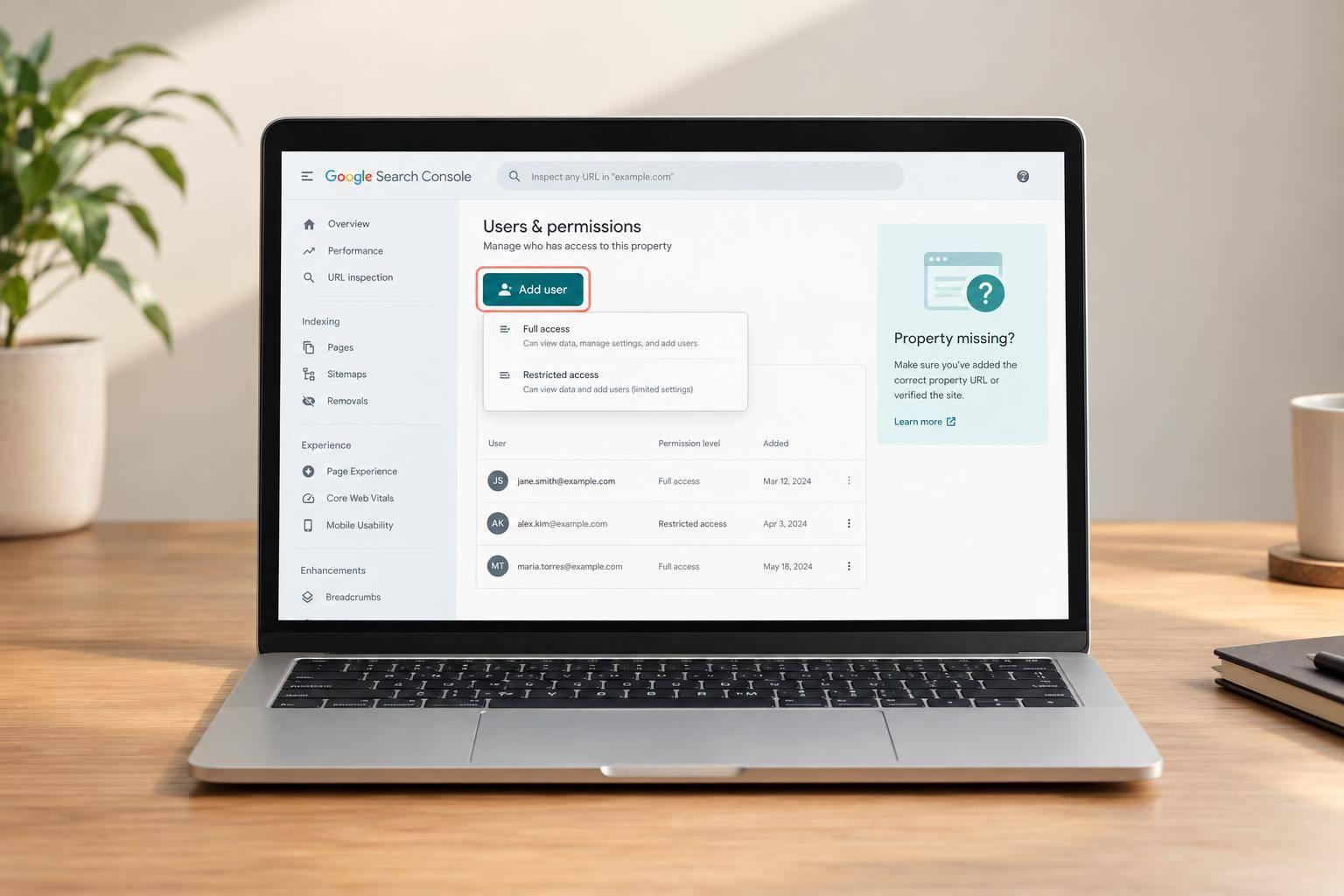
To add someone to Google Search Console, I open the property, go to Settings > Users and permissions > Add user, and enter their Google Account email. This requires owner access.
We post regularly about Keylogs, the Google Search Console and SEO in general — practical, no-fluff advice on winning search.
To add someone to Google Search Console, I open the property, go to Settings > Users and permissions > Add user, and enter their Google Account email. This requires owner access.
Four ways to check index status, from a ten-second site: search to a bulk check of every URL in a sitemap, and what each result does and does not tell you.
Which Search Console reports to open, what each one answers, which ones a small site can skip, and a short weekly routine that turns the data into fixes.
Where the Sitemaps report is, what to paste into it, how to read Success and Couldn't fetch, and how to see which sitemap URLs made it into the index.

A Search Console API 403 doesn’t always mean you need more permissions. I start with the error reason, then check which identity sent the request. Cloud IAM roles do not grant Search Console property access.
Where Search Console keeps your keywords, how to see them for one page, how to filter them with regex, and why the list is never complete.

Mobile doesn’t always have a lower CTR than desktop - even at the same position. I compare both using matching U.S. Search Console data and position bands: 1–2, 3–4, 5–6, 7–10, and 11–20. For each band, I divide total clicks by total impressions, rather than averaging row-level CTRs.

The same average position can bring different click-through rates. Before I change a page, I check three things around its search listing: AI Overviews, ads, and featured snippets.

I’d choose a Domain property for the whole site and a URL-prefix property for one section or site version. For example, example.com covers HTTP, HTTPS, and all subdomains; https://example.com/blog/ covers only that HTTPS hostname and path.
What the Search Analytics and URL Inspection endpoints return, the row and quota limits Google publishes, and one worked request you can copy.

Search Console keeps only 16 months of performance history. I recommend exporting the available history now, then scheduling daily exports so you don’t lose older data.

Google can choose a different canonical URL because your canonical tag is a hint - not a command. I start by inspecting both URLs in Search Console, then check whether redirects, internal links, and sitemaps point to the same preferred page.
Where the Request indexing button is, what it does, how long Google says it takes, and the cases where it changes nothing.

Embedded content
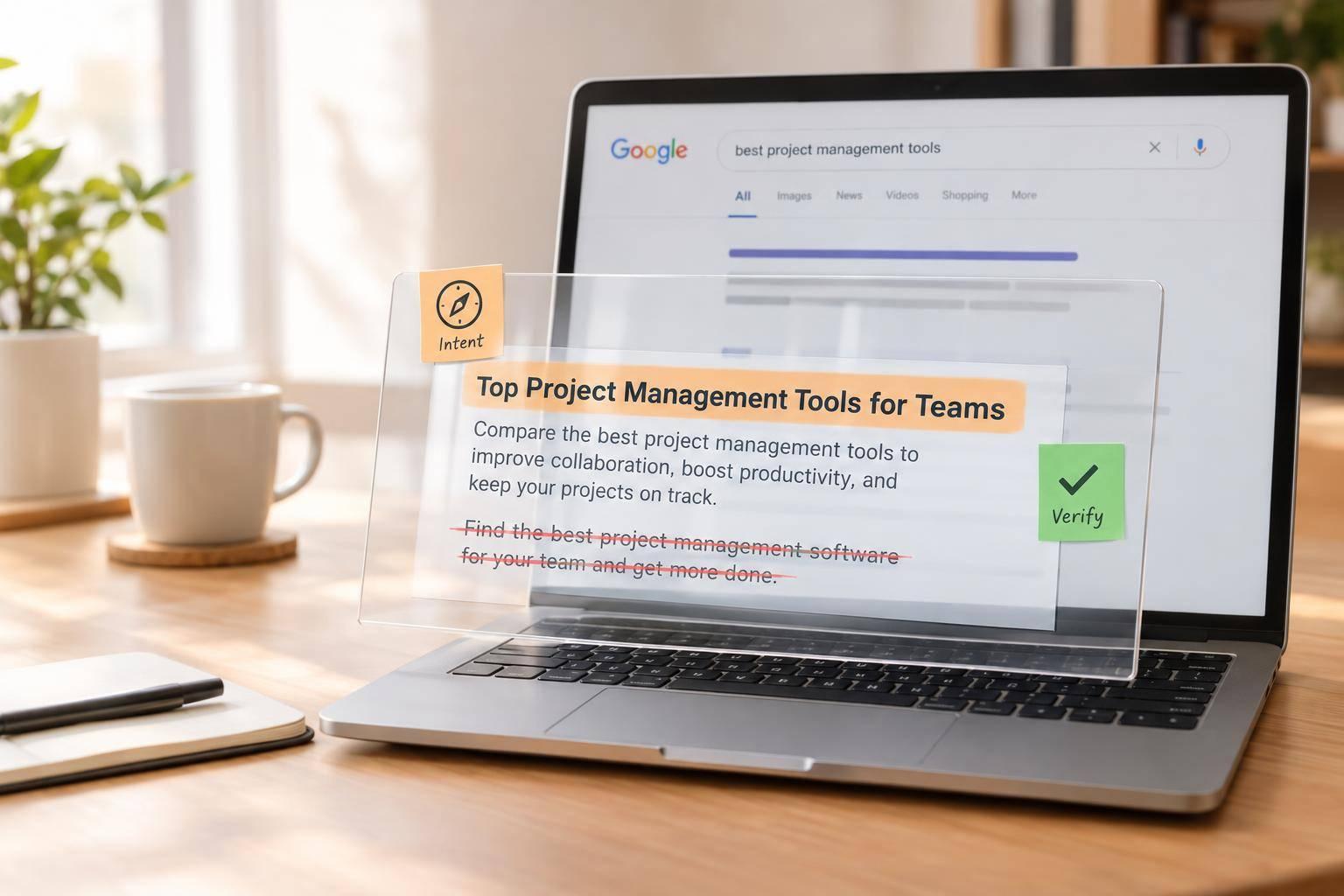
Google may rewrite your meta description when page text better answers a search query. I start by comparing 3 things: your description, the displayed snippet, and the page text - for the same URL and query.

More rows won’t reveal query text Google withholds for privacy. If your Search Console report stops at 1,000 rows, I’d check API pagination or bulk export before blaming anonymization.

I use seven Search Console metrics to answer three client questions: Are more people finding the site, are they clicking, and are technical issues getting in the way? Before recommending changes, I compare complete months with the same filters and analyze your SEO performance and check which pages and queries drove the results.

To support an underperforming page, I start with relevant links from related pages - not more links everywhere. First, I check that the target page can be indexed, answers the right search queries, and uses the correct canonical URL.

I prioritize SEO fixes by expected added clicks, effort, and confidence - not impressions alone. With 10,000 impressions, moving CTR from 2% to 3% would mean 100 more clicks over the same period, if impressions stay steady.
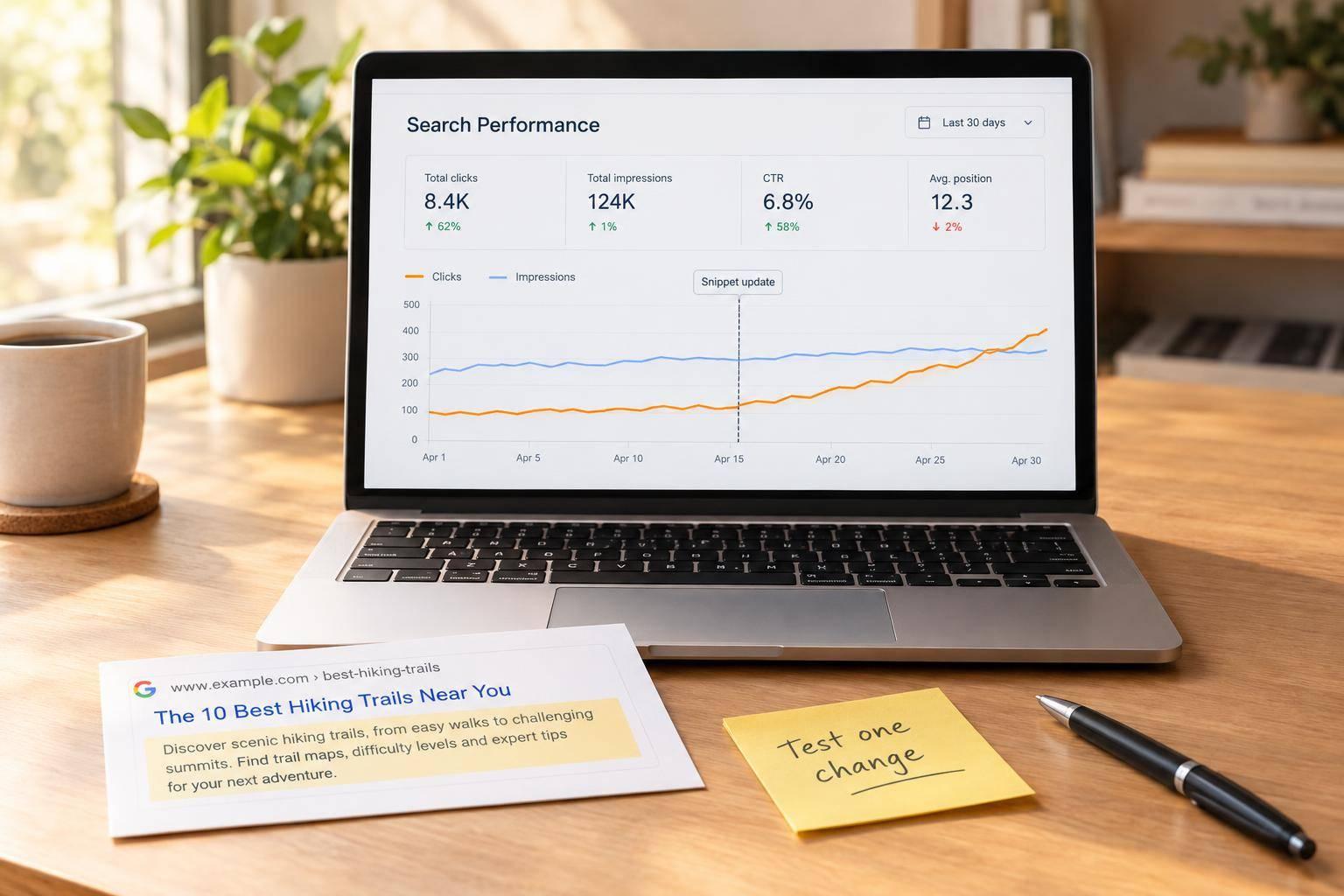
Low CTR doesn’t always mean your title needs work. I start with pages that get plenty of impressions, then check whether rankings fell before changing the listing.

I choose pages to update based on traffic potential - not age. My starting point: compare the last 3 complete months in Google Search Console with the previous 3, then check pages losing clicks and relevant queries ranking in positions 4–30.

When organic traffic drops, I check the data before changing the site. I compare matching date ranges in Search Console and export a baseline - performance history is limited to 16 months.

I merge SEO pages only when they serve the same search intent - not just because they share keywords. If both pages have useful content, I combine it on one URL and add a 301 redirect from the retired page.
What keyword mapping is, a five-column template, a real example from this blog, and how a maintained map stops your pages from competing for the same query.
Seven concrete keyword cannibalization examples — blog-on-blog, ecommerce filters, seasonal dupes, homepage-vs-landing — each with the Search Console tell and the exact fix.
What low-hanging fruit SEO actually means, the difficulty-and-volume rubric that separates real quick wins from noise, and the tactics that turn them into traffic.
What striking distance keywords are, the exact Search Console workflow to find your positions 11–30, and how to actually move them from page 2 to page 1.
An honest comparison of the best keyword cannibalization tools — the detection method each uses, signup walls, keyword limits, and which one fits your workflow.
A prevention playbook, not another fix guide — keyword mapping plus a monthly GSC check that catches clashes before they cost you rankings.
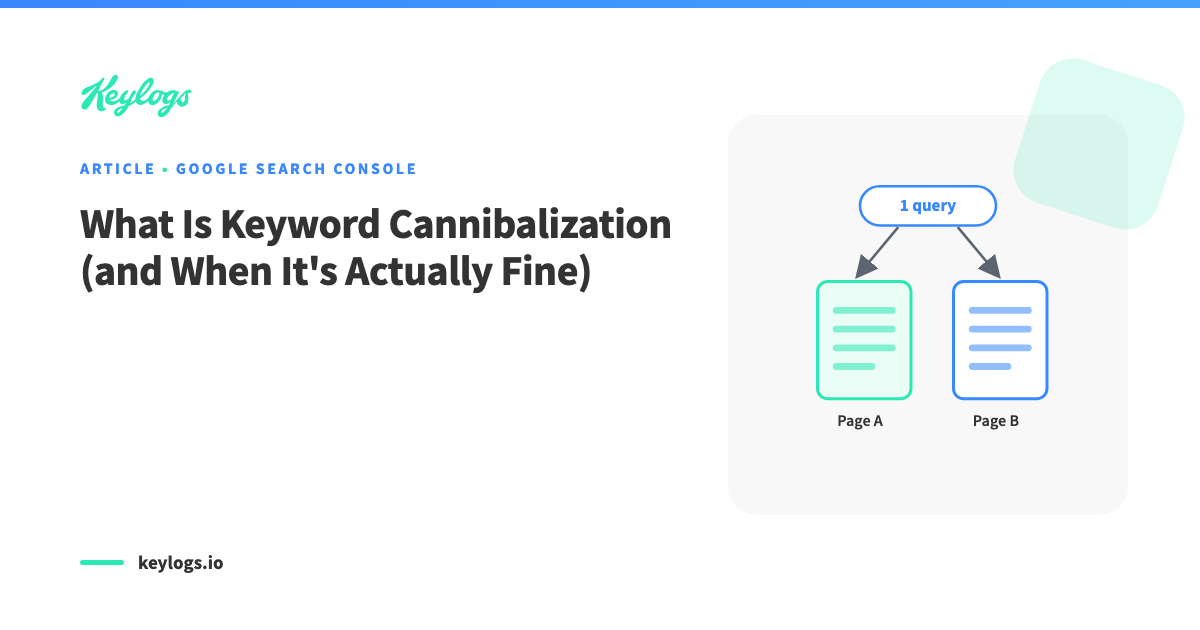
A plain-English definition of keyword cannibalization, a worked two-page example, and the double-rankings people wrongly panic about.
Two honest ways to check for keyword cannibalization — the manual Google Search Console method, and the faster automated audit.
Step-by-step ways to spot keyword cannibalization in Ahrefs and Semrush, what each tool can and can't see, and a faster method using your own Search Console data.
A practitioner's method for finding the keywords you can rank quickly — using your own Search Console data.
What internal cannibalization really is, the signals that reveal it, and the double-rankings people mistake for it.
A practitioner's checklist for turning the raw Performance report into an audit you can act on.
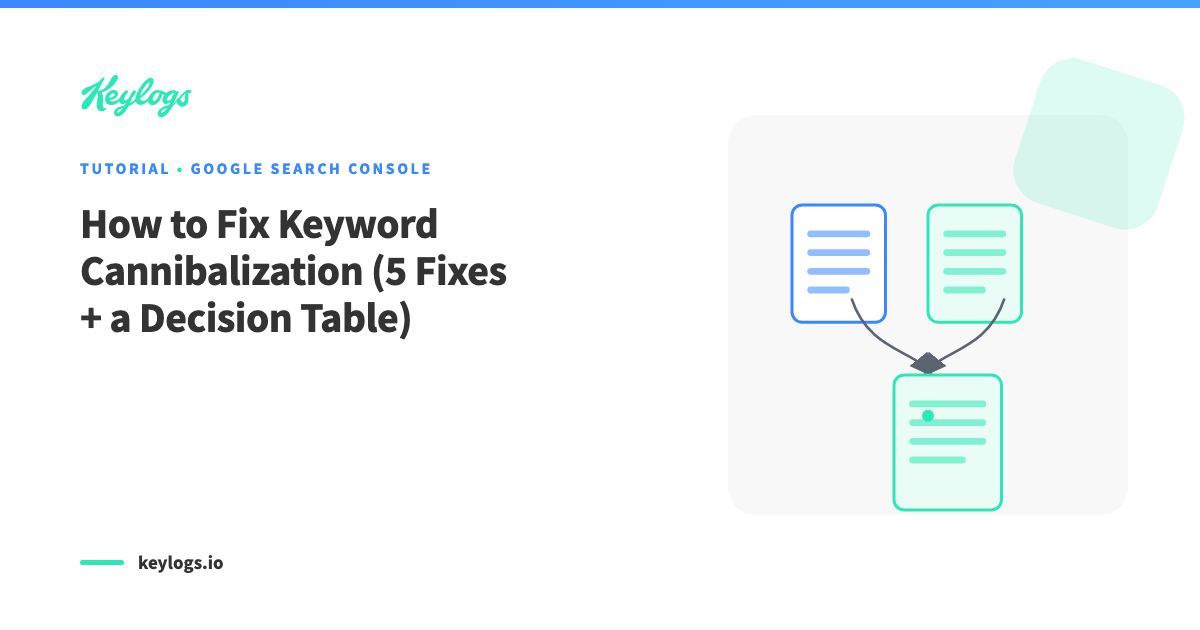
A practitioner's guide to fixing keyword cannibalization for good.
A timed, step-by-step routine for turning your existing Search Console rankings into more traffic.
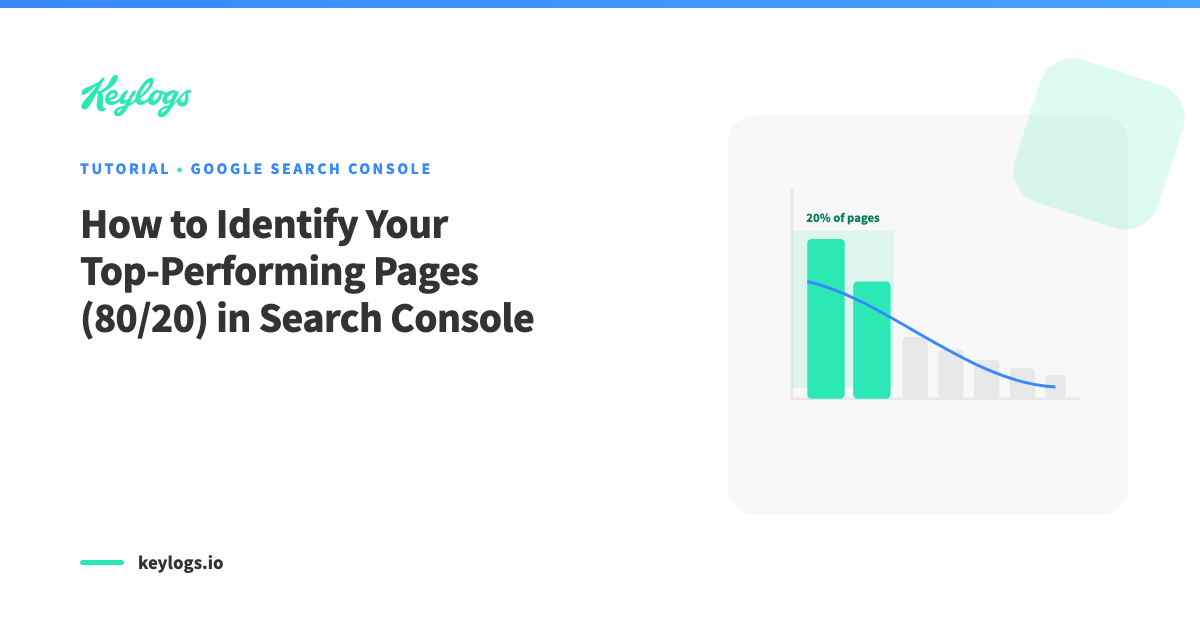
Find your money pages — the 20% of pages driving 80% of your traffic — using nothing but Google Search Console.